
How Business Users Can Own Data Quality with DQ Pursuit
Last updated: 8th July 2026
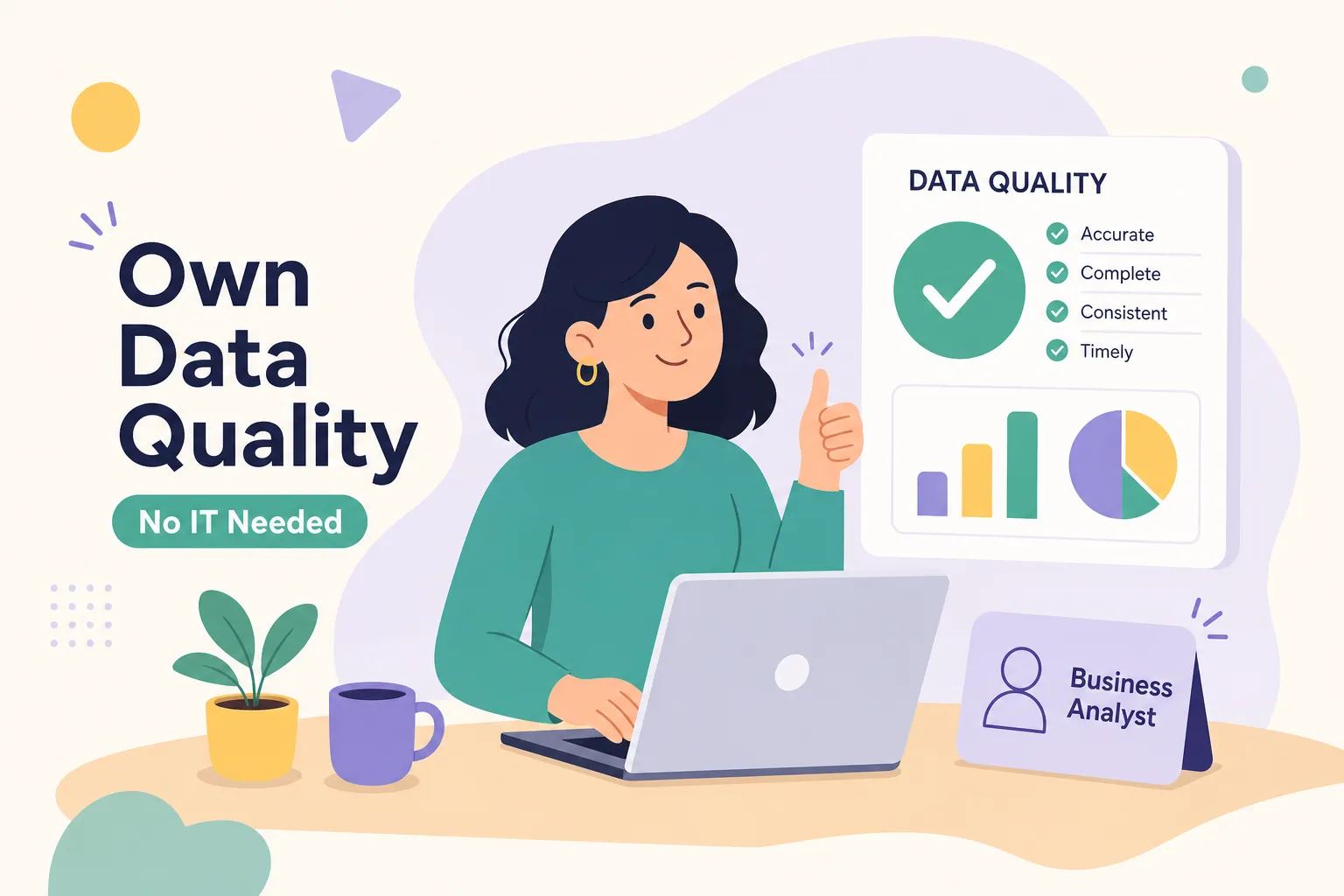
If you’ve ever wondered how business users can manage data quality without relying on data engineers, you’ve likely already lived the scenario that makes the answer urgent:
You spot the inconsistency at 9 PM the night before your stakeholder presentation. Two dashboards, same metric, two different numbers. You know exactly what is wrong, but fixing it means filing a ticket with engineering and waiting. Four days later, the response arrives. The presentation went out with the bad numbers. The stakeholder asked questions you couldn’t answer. Trust in the data slipped a little more.
That scenario plays out constantly in organizations where data quality is treated as an engineering
problem. The reality is that many data issues are not engineering problems at all, they are business logic
problems, and business analysts understand that logic better than anyone on the technical team. The
bottleneck was never skill. It was tooling.
The gap has closed, and no-code platforms built specifically for data quality now give analysts the ability
to identify problems, set up monitoring, and resolve issues end-to-end with minimal engineering
involvement. Initial connector setup may still require an IT hand, but the day-to-day work of defining,
monitoring, and resolving data quality issues is increasingly analyst territory. This article walks through
how to put that model into practice, from choosing your critical data elements to formalizing your
ownership so nothing falls through the cracks.
Why analyst-led data quality is no longer just an idea
The old model works like this: an analyst finds a problem, writes up a description, submits a ticket, and
waits for an engineer to investigate, prioritize, schedule, and fix it. By the time the fix arrives, the damaged
report has already reached finance, the board, or a regulator. The delay does not just cost time. It costs
credibility.
Data engineers are specialized professionals with deep technical skills and a backlog full of migration
work, pipeline builds, and infrastructure requests. Routing routine data quality checks through that queue
is a misallocation on both sides. Engineers spend time on work that does not require their expertise.
Analysts lose time waiting for answers they could find themselves.
The shift happening now mirrors what happened with business intelligence a decade ago. Analysts used
to wait on IT for every report. Then self-service BI tools arrived, and analysts built dashboards on their
own. The same transition is underway in data quality. No-code rule configuration, automated profiling, and
point-and-click monitoring have made self-service data quality a real operating model, not a future
aspiration. Platforms across the data observability space, from standalone quality tools to broader
governance platforms, have validated this approach with widespread analyst adoption.
Owning data quality does not mean replacing engineers. It means handling the day-to-day work without
them: defining what good data looks like, monitoring whether it stays that way, and resolving the issues
that fall within your domain. Engineers stay in the picture for schema changes, pipeline failures, and
source system bugs. Analysts own everything else.y
How business users can manage data quality: start by
identifying what actually matters
The fastest way to overwhelm an analyst-led quality program is to try to monitor everything. Most
datasets contain hundreds of fields, and the vast majority of them have minimal impact on any decision
that matters. Before configuring a single rule, you need to identify your Critical Data Elements.
A Critical Data Element, or CDE, is a field that directly feeds a high-stakes output: a financial report, a
compliance filing, a customer invoice, a clinical record. The practical way to find yours is to start with the
three or four reports your organization acts on most, trace which fields drive the numbers in those reports,
and flag the ones where an error would cause a material problem. That short list is your starting point.
Once you have a candidate list of CDEs, profile them before writing any rules. Profiling gives you a
baseline picture of the data as it actually exists: null rates, value distributions, record counts, and obvious
anomalies. Many no-code platforms generate this profile automatically. You need to understand what you
are working with before you can define what good looks like.
Prioritize your CDEs by the cost of getting them wrong, not by technical complexity. A missing customer
ID in a billing system creates a failed invoice. A missing middle name creates a minor formatting gap.
These are not the same problem, and they should not receive the same monitoring investment. Rank by
business impact, start at the top, and expand from there.
The five baseline rule types everyone needs
Once you know which data elements matter most, you need checks that will catch problems before they
reach a report or decision. Five rule types cover the most common data quality failures. These are the
baseline checks recommended across the data quality field, and analysts managing their own CDEs
should have all five in place.
Completeness: Are critical fields filled in? A null customer ID or a missing transaction date breaks downstream
analysis.
Uniqueness: Are there duplicate records? Duplicate customer IDs inflate lifetime value calculations and distort any aggregate metric.
Validity: Do values fall within expected ranges or formats? A negative age, an impossible revenue figure, or a
malformed email all signal entry errors.
Freshness: Is the data current enough to act on? A dataset that was supposed to refresh every two hours but has not updated in twelve is a problem, even if every existing record is accurate.
Referential Integrity: Do related records across systems match? An order record that references a customer ID that does not exist in the customer table breaks every join that depends on it.
Configuring rules without engineering support
DQ Pursuit provides a pre-built library of rules covering all five categories. An analyst selects a rule type,
maps it to the relevant field, sets a threshold, for example, flag if the null rate on invoice ID exceeds 2%,
and activates it through a point-and-click interface. No SQL. No pipeline. No engineering ticket. The
alternative, writing custom SQL checks, scheduling them in a data pipeline, and maintaining them as
schemas change, requires exactly the kind of engineering involvement this model is designed to reduce.
Cross-system validation for consistency checks
One of the most common and frustrating quality problems analysts face is when two systems report
different numbers for the same metric. Your CRM says you have 4,200 active customers. Your billing
system says 4,050. Both cannot be right. Cross-system validation catches these discrepancies
automatically, surfacing exactly which records differ and where the conflict originates, a capability well documented across modern data quality and data observability for non-engineers tooling. DQ Pursuit
handles this comparison through its point-and-click interface, pointing analysts directly to the source of
the mismatch without requiring custom integration work.
Set up monitoring and alerts that anyone can own long-term
Writing rules is a one-time effort. Monitoring is an ongoing practice, and the way you configure it
determines whether it stays useful or becomes noise. Before you set up a single alert, define your data
quality SLAs.
An SLA in this context is a simple, documented threshold tied to business requirements. Examples: “The
null rate on policy number must not exceed 1%.” “This dataset must refresh within two hours of the source
system update.” “Duplicate transaction IDs must be flagged immediately.” These thresholds should come
from the business, not from a technical default. When they are grounded in actual business requirements,
the alerts that fire from them carry real meaning.
With SLAs defined, configuring alerts in a no-code platform is straightforward. You select the rule, set the
threshold, and choose a notification channel. Email works for lower-urgency thresholds; Slack works
better for teams that need fast turnaround. DQ Pursuit’s control dashboard gives analysts a real-time view
of data health across their domain, with automated alerts when any threshold is breached. The dashboard
answers the question “is my data healthy right now?” without requiring any query or manual check.
Monitoring only works if someone reviews it consistently. A regular cadence, weekly for stable domains,
more frequent for high-velocity data, works for most analyst teams: check the dashboard, investigate any
breached thresholds, and determine whether the issue is new or recurring. Recurring failures on the same
field signal a systemic problem that probably needs engineering involvement. A one-time anomaly is often
something the analyst can resolve directly. The pattern of failures tells you as much as any individual
alert.
Resolve data issues without opening an IT ticket
When a rule fires, the first question is whether you actually need to escalate it. Most analysts escalate
more than they need to, not because the issues require engineering, but because there is no clear
framework for deciding. A simple triage model fixes this.
Ask three questions: Can this be corrected in the source data directly? Is it a formatting issue or a onetime entry error? Or does it point to a broken pipeline, a schema change, or a bug in a source system? The
first two categories are analyst territory. The third requires engineering. Field-level corrections, duplicate
removal, threshold adjustments, and rule refinements all fall within the analyst’s scope. Schema changes,
pipeline failures, and source system bugs do not.
DQ Pursuit’s three-step workflow maps directly to how analysts actually move through an issue. Identify
surfaces the problem through automated checks, showing exactly which records failed which rules.
Control lets analysts set the governing rules and thresholds that define acceptable data quality for their
domain. Correct provides built-in issue resolution tools that show where the problem exists, what needs
to change, and how to confirm the fix has held. Together, these stages remove the ambiguity that makes
data quality feel unmanageable, analysts know what to look at, what to do, and how to verify the outcome.
When escalation is necessary, the handoff quality matters. An engineer who receives a vague complaint
(“the numbers are wrong again”) has to start from scratch. An engineer who receives a documented issue,
the specific CDEs affected, the rule that flagged the problem, and the analyst’s assessment of the
probable root cause, can act immediately. A clean handoff makes engineers faster and keeps analysts
accountable for the outcome, not just the complaint.
Define your ownership so nothing falls through the cracks
Good analysts already do data stewardship work informally. They monitor reports for anomalies, flag
discrepancies, enforce field definitions in their team’s models, and coordinate fixes with engineering. The
problem is that informal ownership is invisible. When no one is officially accountable, problems fall
through the gaps between teams.
Formalizing the data steward role does not require a full governance program. Start with a documented
list of CDEs with named owners, agreed-upon quality rules and thresholds for each CDE, and a clear
escalation path that defines which issues analysts resolve independently and which require engineering.
These can live in a shared document to start. The goal is clarity about who owns what, not a bureaucratic
framework that slows everything down.
Engineers and analysts handle different layers of the data stack, and they are not in competition. Analysts
own the business logic: what quality means, what thresholds are acceptable, and whether the data meets
the standard. Engineers own the technical infrastructure: pipelines, schemas, and transformations. A
data governance for analysts model that makes these boundaries explicit eliminates confusion about
who is responsible when data breaks. With those boundaries in place, both sides move faster because
neither is waiting for the other to decide who owns the problem.
How business users manage data quality without
engineering support: putting it all together
The path is practical and repeatable. Identify your Critical Data Elements by tracing which fields drive your
most important outputs. Build no-code checks covering completeness, uniqueness, validity, freshness,
and referential integrity on those elements. Set data quality SLAs grounded in actual business
requirements, configure threshold-based alerts, and establish a regular monitoring cadence. Resolve what
falls within your scope, escalate with context what does not, and document your ownership so the work
holds over time.
None of this requires writing code or waiting for an engineering sprint to open up. DQ Pursuit is built
specifically so that analysts, not just engineers, can run a complete data quality program end-to-end, from
rule configuration through issue resolution. If you have been waiting to stop depending on engineering for
routine data quality work, the low-code data quality tools and no-code workflows to do it are available
now. Start with your top three CDEs, configure the five baseline rule types, and you will have a working
quality program before your next stakeholder meeting.
Experience DQ Pursuit for Yourself
Discover the power of confident and business-ready data on your own personal demo.